
For agencies
Ship HubSpot sites as a product, not a project.
A new kind of theme generated from each client’s design, pages filled by chat, every change checked and approved by a named person, and every client portal managed from one place. Your team keeps the judgement and the relationship. ThemeSpot does the typing.
- Portals
- 6 connected · 6 approvers named
- Deploys
- 4 approved · 0 failed
- Scans
- 6 sites · fixes verified before charge
- Waiting
- 2 approvals
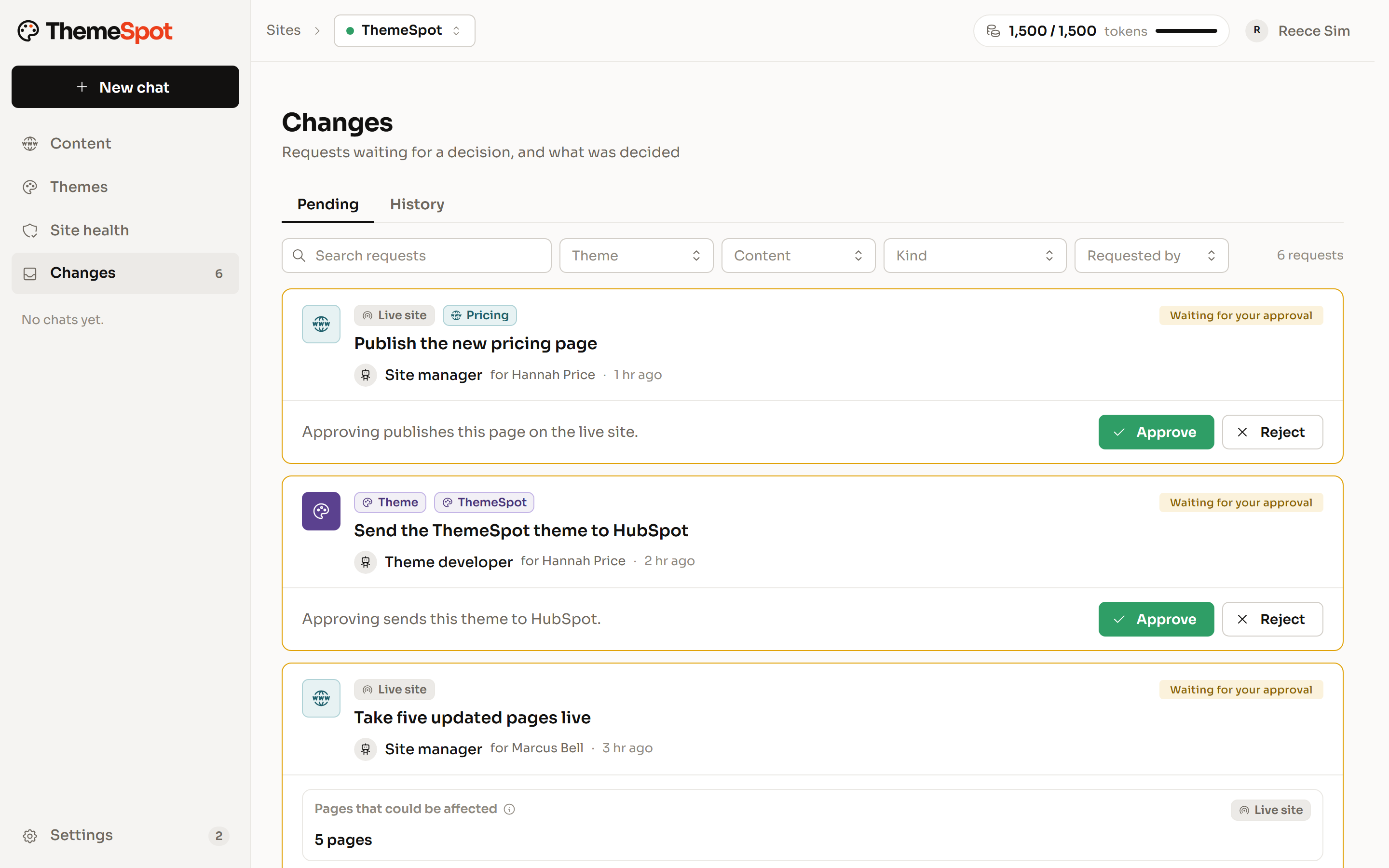
123- 1Each portal has its own inbox
- 2Who approved what
- 3Plain-words description
A new kind of theme. One that's actually yours
A traditional theme is a menu of finished blocks, so every AI-built site converges on the same look. ThemeSpot’s headless UI library for HubSpot has no look of its own: the agent generates this client’s look from this client’s design, on HubSpot’s own drag-and-drop areas, sections, fields and menus. Editors keep the editor they know.
- Generated from the client’s design system or Figma export
- HubSpot’s parts, used as intended
- Fewer modules, named in the editor’s words
- Performance and editor safety by construction
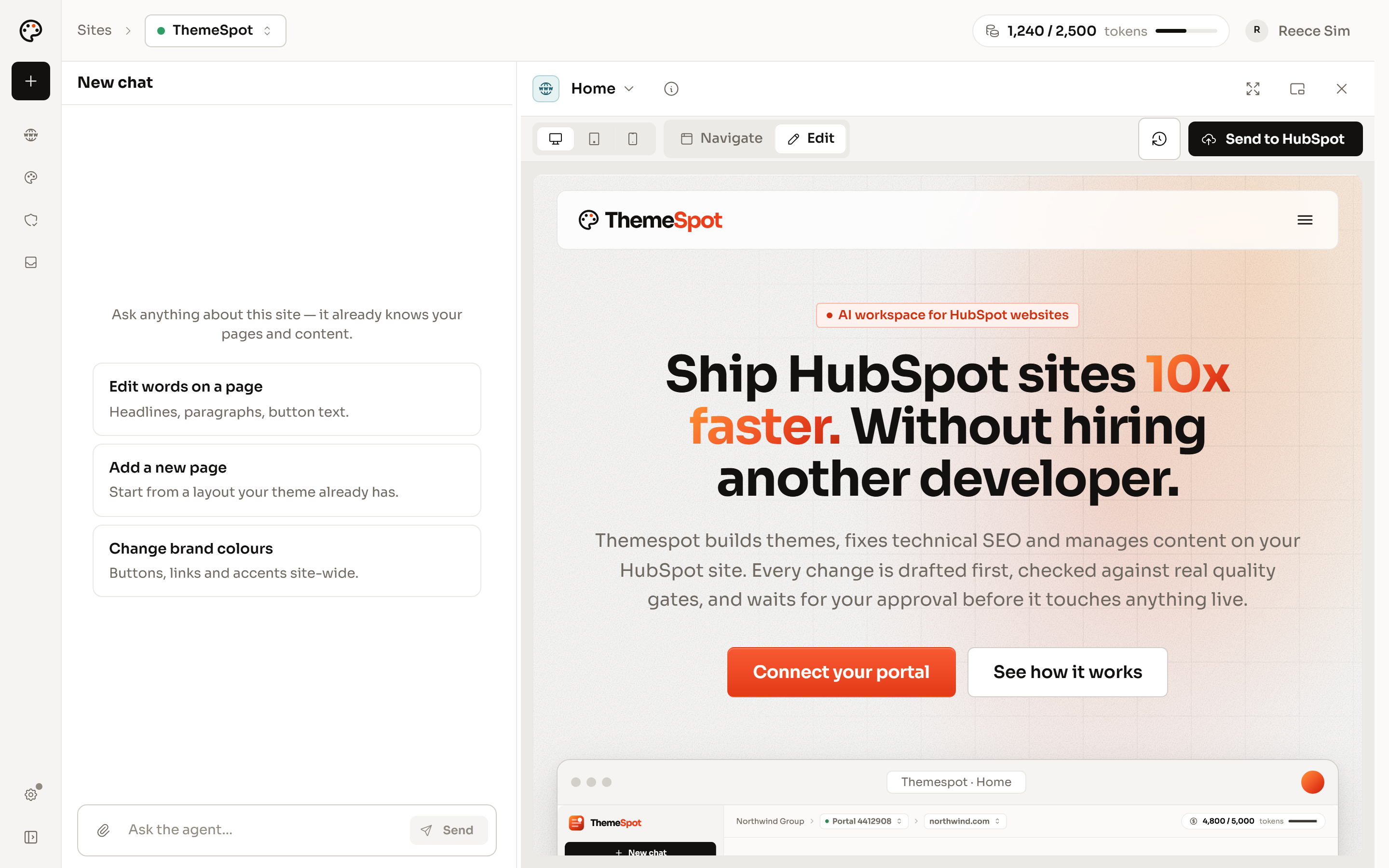
Site management at scale.
Connect every client portal to one organisation. Each has its own roles, approvals, brand-voice rules and history. Your team asks; the client’s named approver decides. Retainers stop being an informal support queue.
- One organisation, many portals
- Admin, manager, developer and viewer per portal
- Client guests see only their site
- A journal of every edit and approval
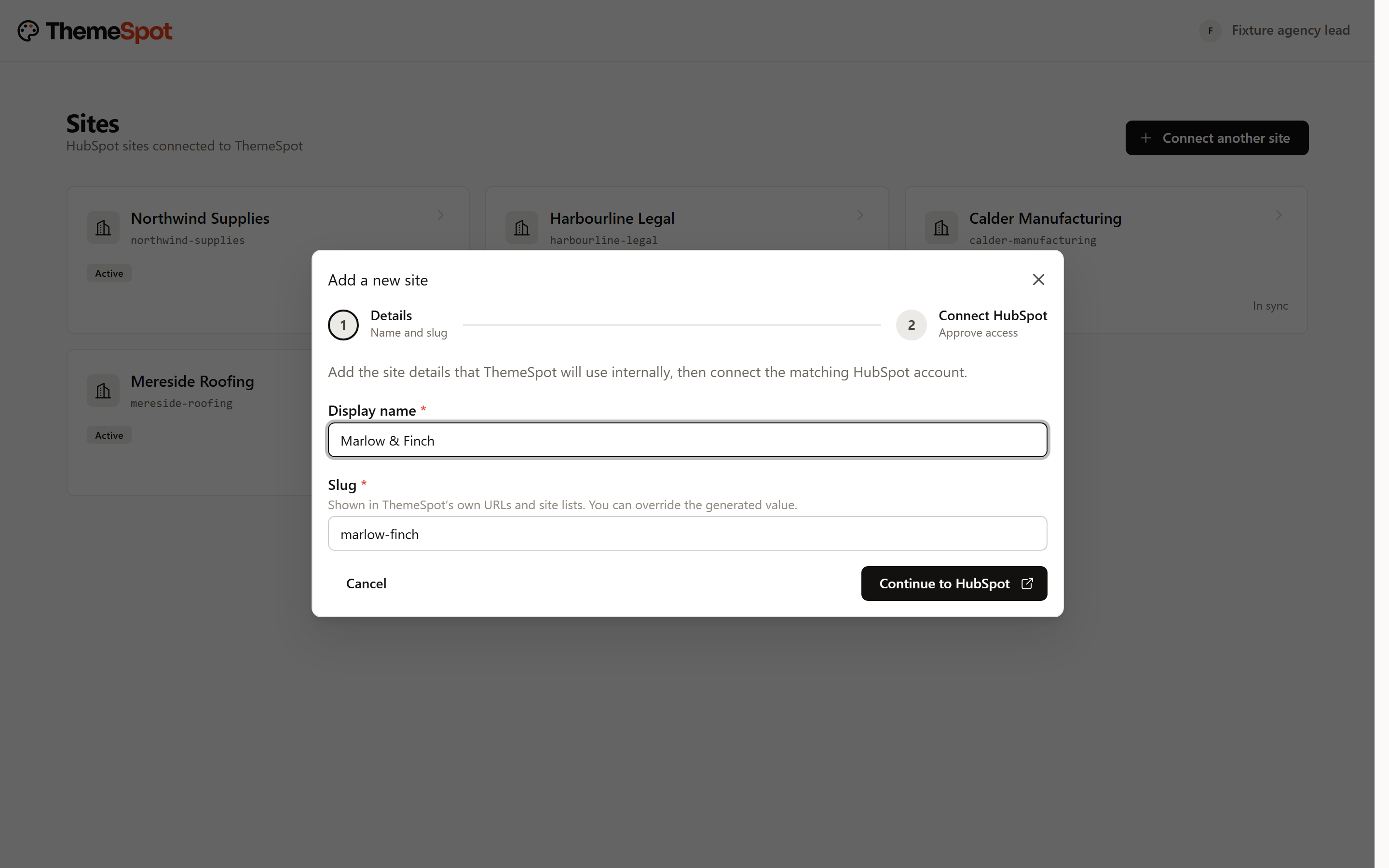
QA audits that help you sell.
Connect a prospect’s portal and the first scan reads every page: more than 80 deterministic checks, a browser walkthrough of their money page, their own brand rules. Walk them through the findings by lane, then fix the safe ones in front of them, each fix verified before it is charged.
- Findings by lane: Safe to fix, Needs you, Needs a look, Probably fine
- A browser walkthrough, recorded where the plan allows
- Fixes verified by the rule that found them
- Re-scans mark findings resolved by evidence
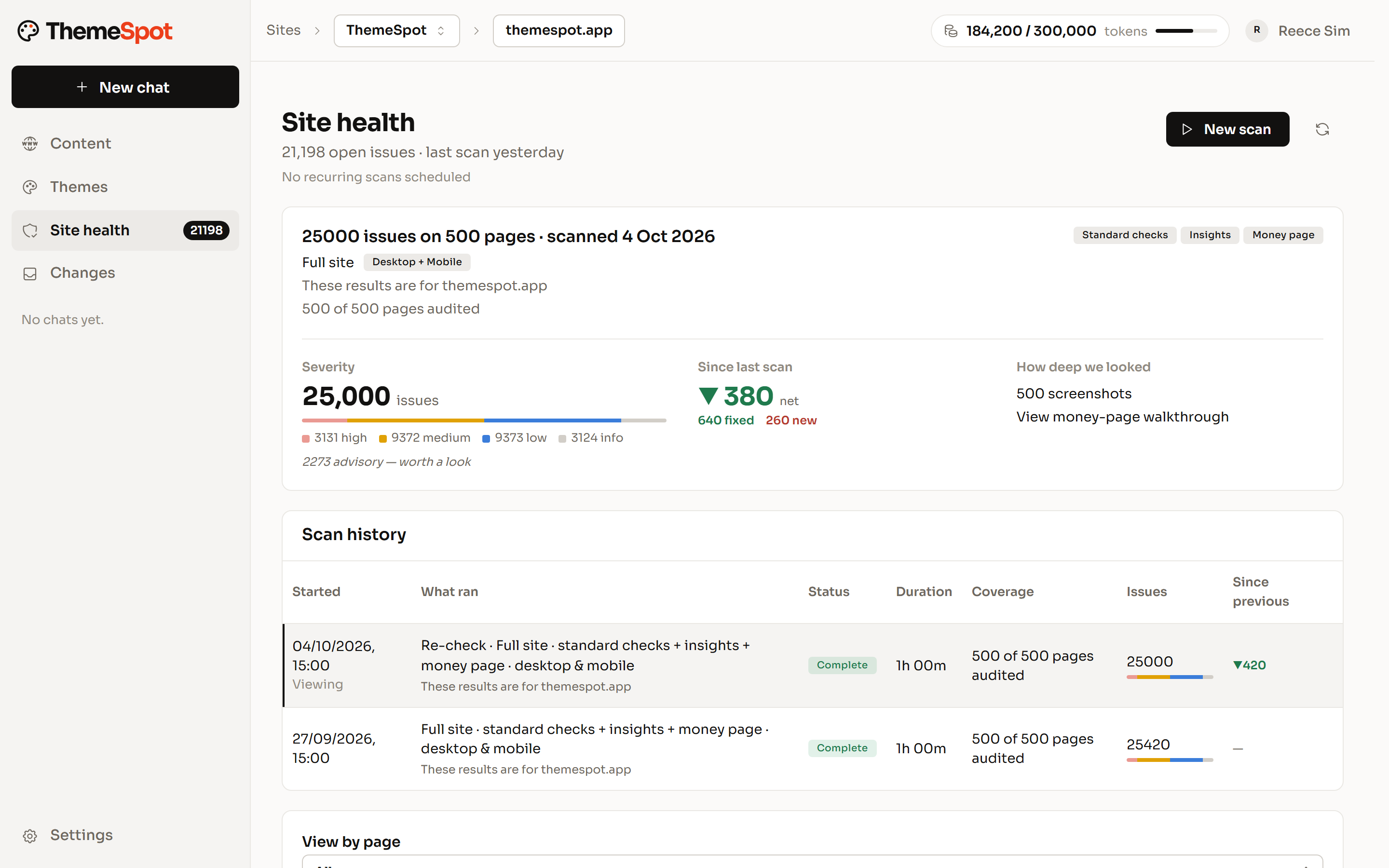
Devtools that add margin.
Senior time goes where it is needed. The rest is checked work, not guesswork.
Theme workspace
Source, preview, history and a check on every batch. A junior with the workspace ships what used to need your senior.
Content population
Pages from templates, fields by path, bulk edits sampled first. The longest part of a build becomes a chat.
Deploy requests
Checker, validation, link audit and a named approver. No more Friday-night deploys.
Confident migrations.
ThemeSpot reads the old theme’s saved settings, pages, copy, images and menus, recreates pages from the new templates, clones what repeats, writes redirects in bulk and migrates content after the deploy. Colman Rose went live with 24 pages on its new theme; its first whole-site scan read 36 pages and found 778 things to look at.
- Theme reader for settings and content
- Pages recreated from templates, fields by path
- Redirects in bulk, named before they are touched
- A scan to prove the move
Sell technical website services without a developer on every job.
Technical SEO fixes, content migrations, new pages, performance passes: work your account team can now quote, run and prove, with the checker and the approver standing where the developer used to. Your developers take the jobs that need them.
- Quote from the scan, deliver from the lanes
- Drafts, approvals and receipts your client can read
- Theme work routed to developers, everything else to the team
- Proof with every invoice
Partnerships.
We work with a small number of HubSpot agencies on launches, migrations and the roadmap. If you ship HubSpot sites and want the theme workspace shaped around how you deliver, talk to us.
On every plan, for every role.
The same guardrails whether you are a developer, an agency or an SEO. Nothing reaches a live site without a named person approving it.
Guardrails
Drafts first. A person approves what goes live.
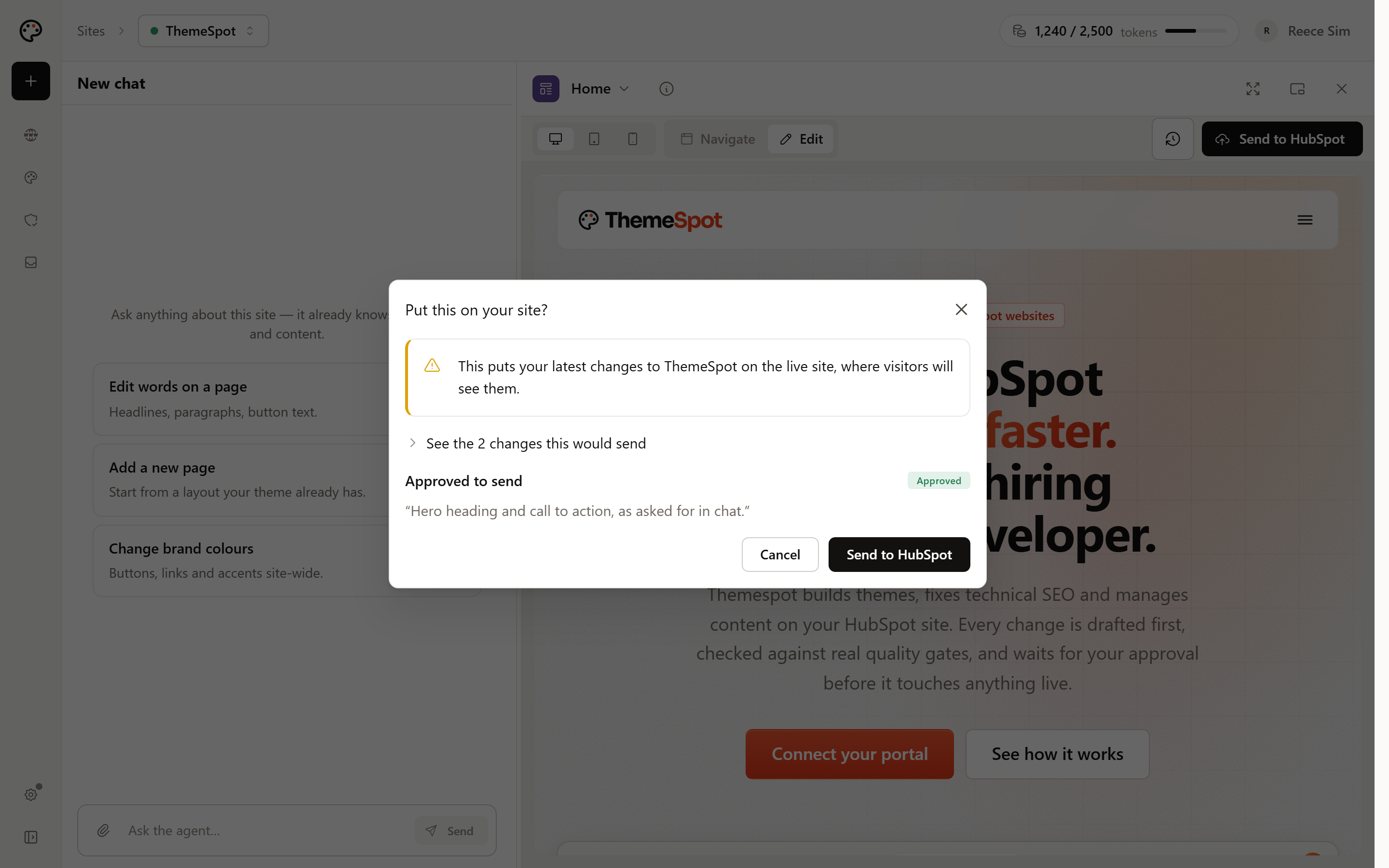
Edits land as drafts in the HubSpot editor your team already uses. Publishing, redirects, forms, files and theme deploys queue for approval, with a plain-words description of what will happen and a journal of who approved what.
User groups
Roles for your team, a guest seat for each client.
Your organisation owns its portals. Each person is an admin, manager, developer or viewer on each portal; the theme workspace is for developers. A client is a guest on their own portal and sees nothing else.
End-client site management
Hand the client a site they cannot break.
Clients chat with their own site with code access off: pages, copy, images, redirects and forms, inside the theme you built. Theme changes stay with your developers.
MCP
Their own AI, on their own website.
Connect ThemeSpot to Claude, ChatGPT or any MCP client. The same tools, the same approvals, the same roles: an AI the client already uses manages the site inside the guardrails you set.
You’re thinking
Fair. Here’s the answer
- You’re thinking: “If AI is this good, why pay an agency at all?”
- Fair. Here’s the answer:
Because judgement, relationships and accountability are the agency’s product. ThemeSpot makes yours the AI-capable one and keeps the margin where it belongs.
- You’re thinking: “Our clients will break things.”
- Fair. Here’s the answer:
They cannot. Code access is off for clients; drafts land in their editor and a named approver publishes. The theme is yours.
- You’re thinking: “What if you disappear?”
- Fair. Here’s the answer:
The site lives in the client’s portal on open, inspectable code. Disconnect and nothing changes. Export the built theme any time.
Connect a client portal. Nothing goes live until you say so.
Free to connect. Build the first theme on a paid plan.