For developers
A HubSpot theme workspace your agent can actually work in.
A hosted workspace with the theme’s source, a live preview, a checker that knows HubSpot’s rules and a deploy request a person approves. Built on a headless UI library for HubSpot, so the agent generates the look instead of picking it from a menu.
- Theme
- themespot · 22 templates · 55 sections
- Checker
- 0 errors · warnings listed by rule
- Preview
- home, pricing, docs rendered
- Deploy
- Awaiting a named approver
- 1Theme source, versioned
- 2Live preview
- 3Deploy waits for you
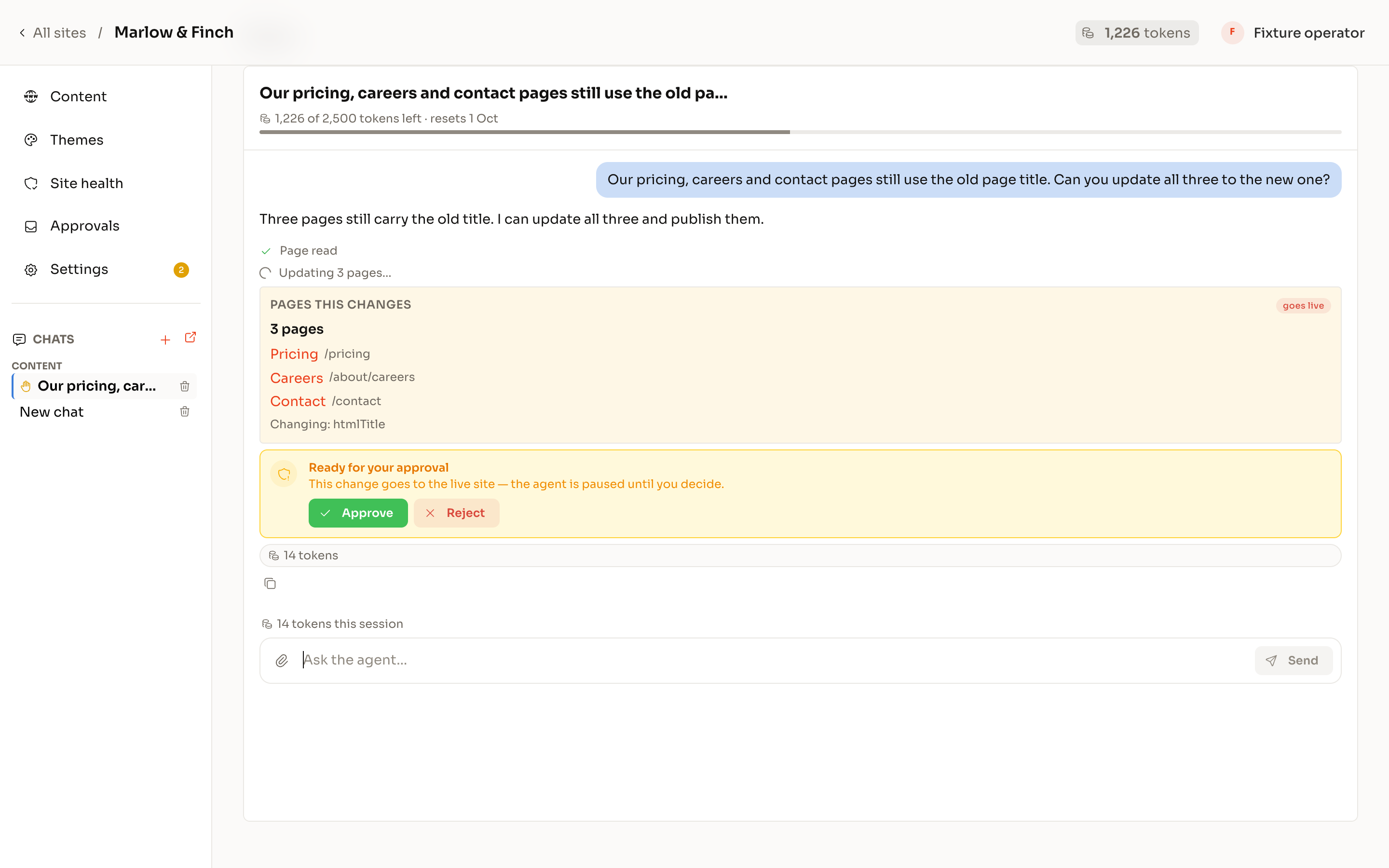
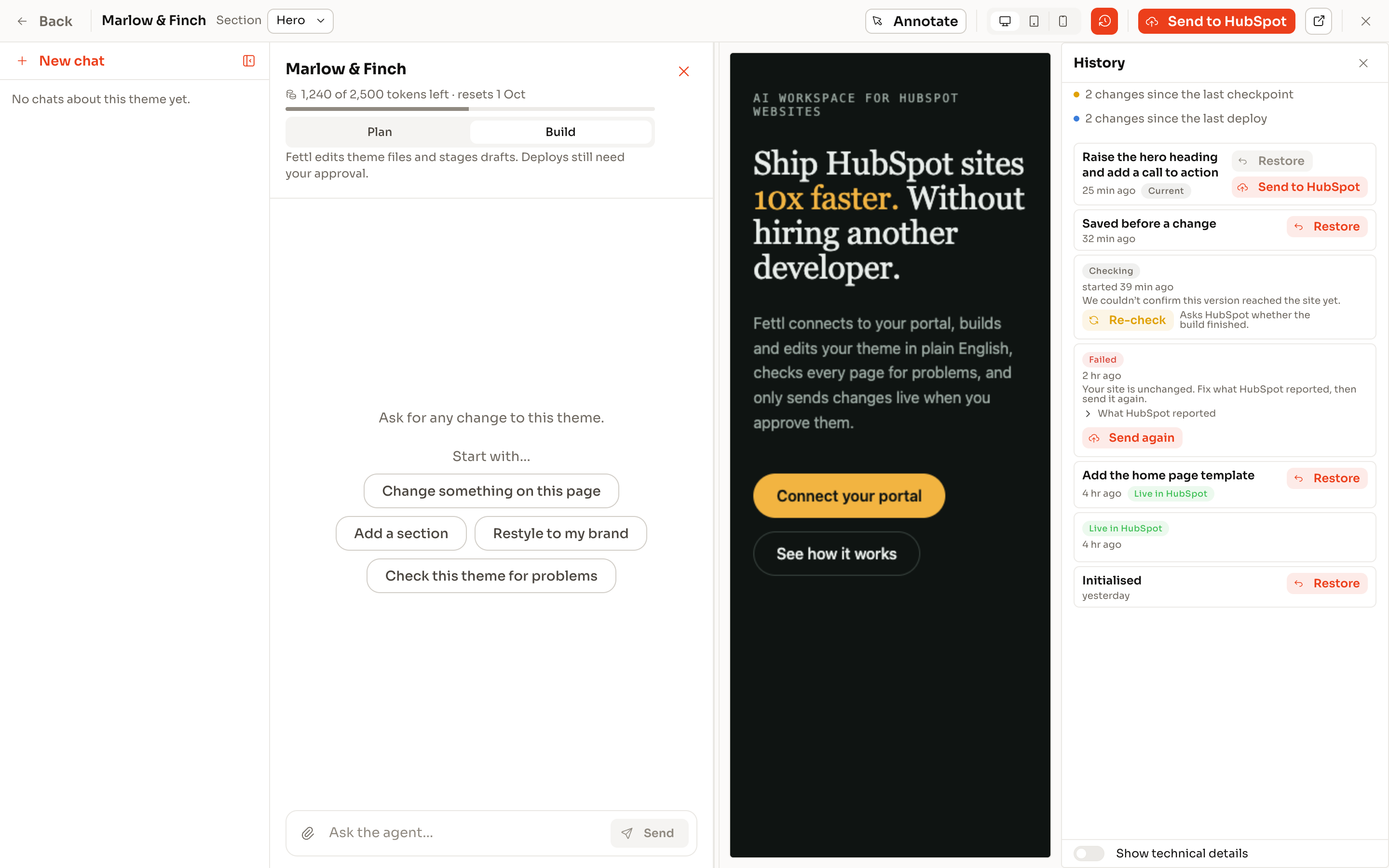
The hosted workspace.
One place for the theme’s source, its compiled preview and its history. Edit by file or by chat; every save is a checkpoint you can restore from the history rail. A check runs on every batch: HubSpot’s own validation, the standards checker, link audit, image weight, field shapes.
- Source, preview and history in one window
- Checkpoints you can restore
- A check on every batch, by rule name
- Deploy request, not a deploy button
Dev tooling, local and hosted.
Theme Dev Tools for HubSpot is a free Claude Code plugin: it renders a HubL or React theme locally, compares the render with the design and uploads with HubSpot’s CLI. The hosted MCP server adds the workspace, the library, content and QA tools to the same agent. Use what the job needs.
- Free local plugin: render, compare, upload
- Hosted MCP: the same agent, more tools
- HubL guidance that knows the platform’s refusals
- Honest about what local cannot do
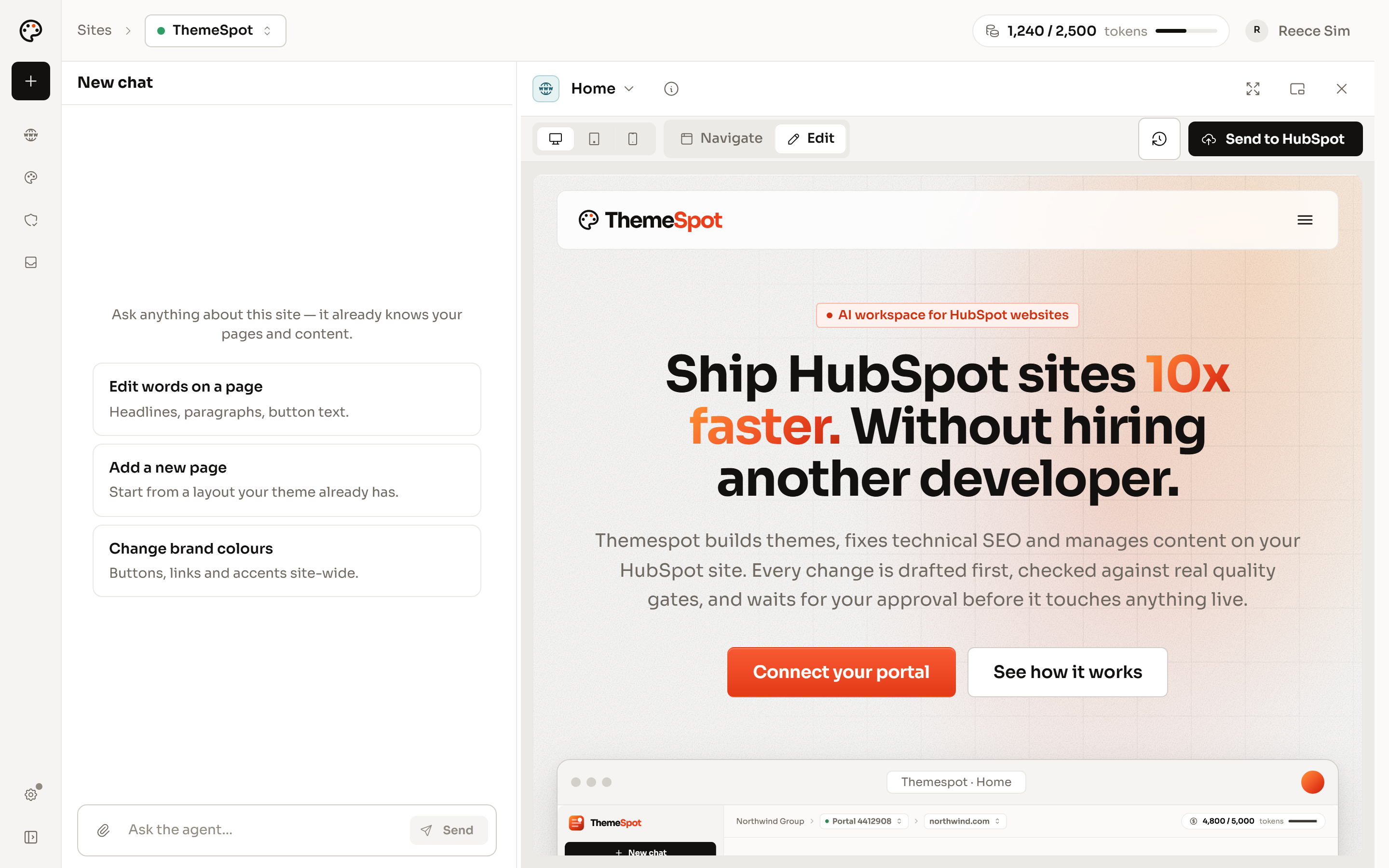
Content population by chat.
After the deploy, pages are created from templates already holding their layout, fields filled by path, links resolved to real pages and bulk edits sampled before they count. Drafts land straight away. Publishing waits for an approver. You stop doing the typing.
- Pages from templates, fields by path
- Links resolve to page ids, not strings
- Bulk edits sampled first
- Every edit journalled
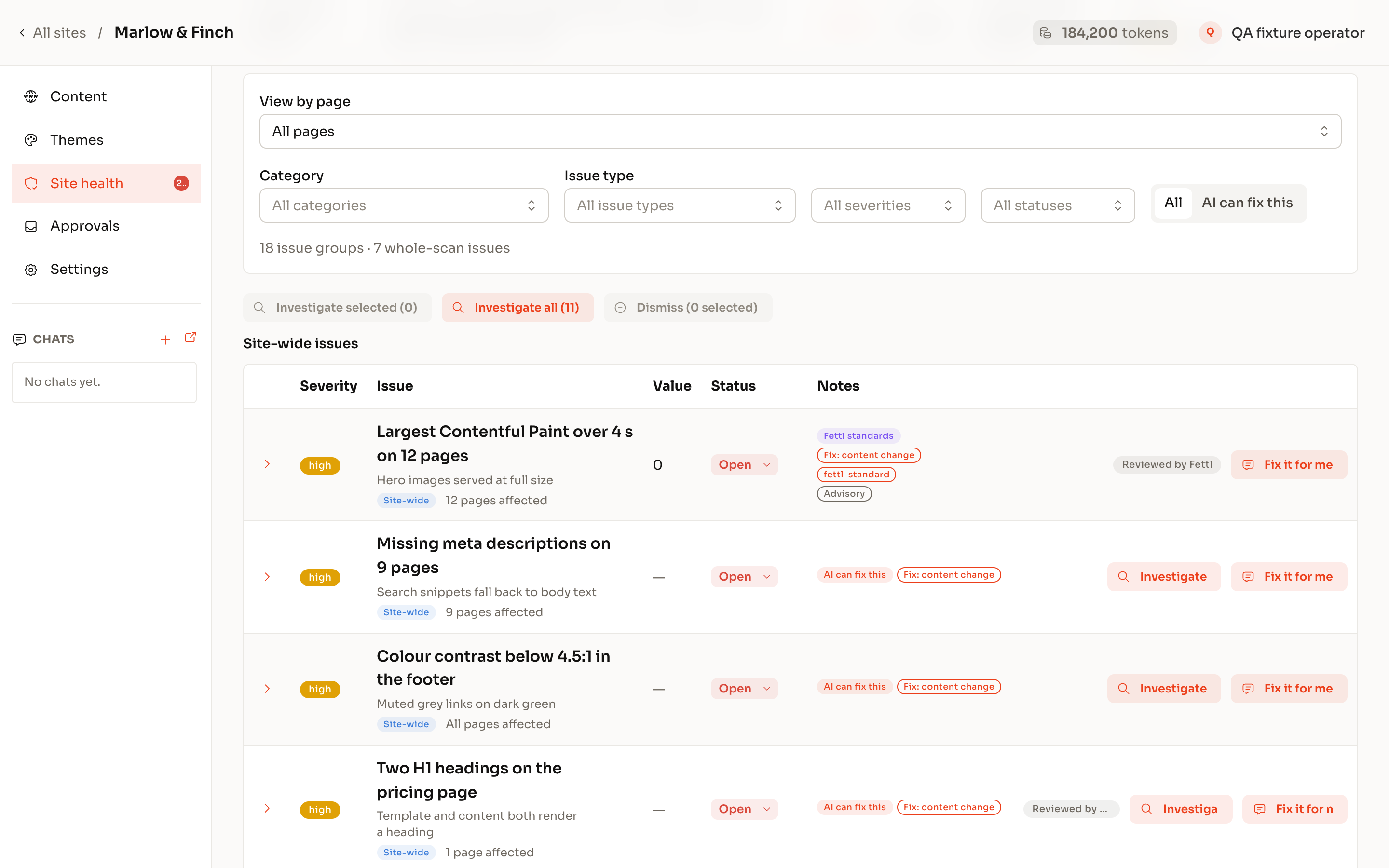
Automated QA, before and after deploy.
Before: the checker, project validation and the link audit gate the deploy request. After: more than 80 deterministic checks read every page, an agent drives a real browser through the money page, and a fix is charged only when the same rule has verified it.
- Deploy gate: checker, validation, link audit, image weight
- Site scan: SEO, links, spelling, security headers, page weight, AI crawler access
- Browser walkthrough, recorded where the plan allows
- Fixes verified by the rule that found them
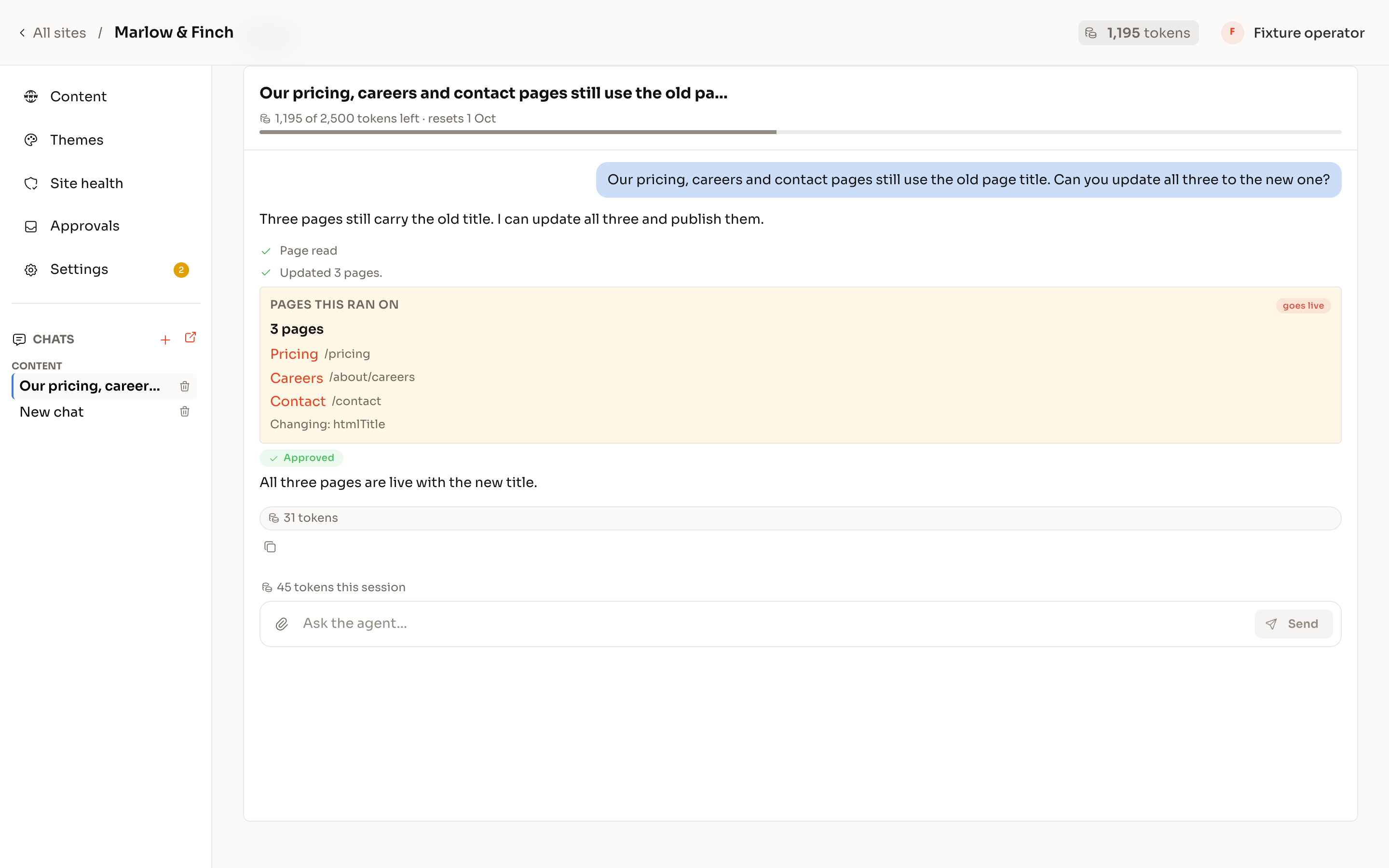
Client tweaks without a ticket.
Give the client a seat on their own portal with code access off. They ask for the copy change, the new page, the swapped image; the draft lands in their editor and their named approver publishes. The theme stays yours.
- Code access off for clients
- Drafts in HubSpot’s editor
- Approvals with a paper trail
- Theme changes stay with developers